
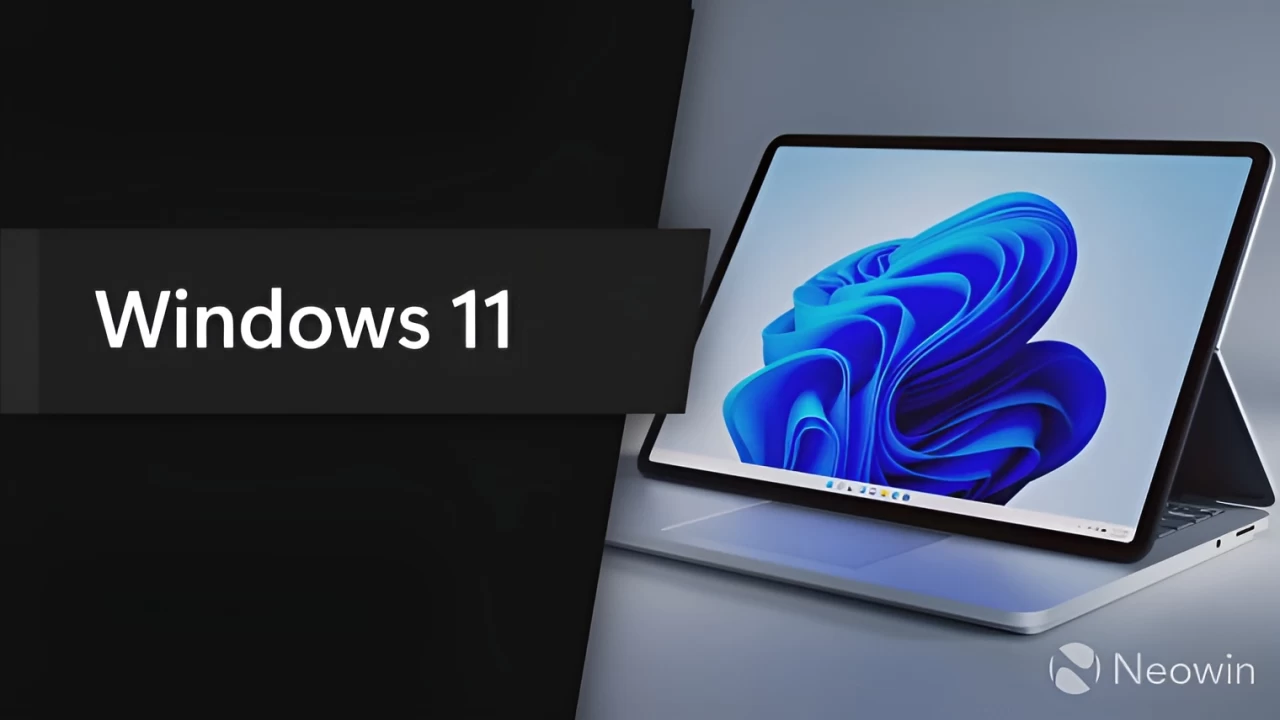
Windows 11 users who dislike bloatware now have a new way to stop their systems from installing unwanted companion apps alongside drivers. This update addresses the common practice of hardware vendors bundling additional software that can degrade system performance and clutter the user interface. Win11Debloat version 2026.07.11 introduces a specific block for these automatic installations. This gives users more control over what software actually lands on their machines.
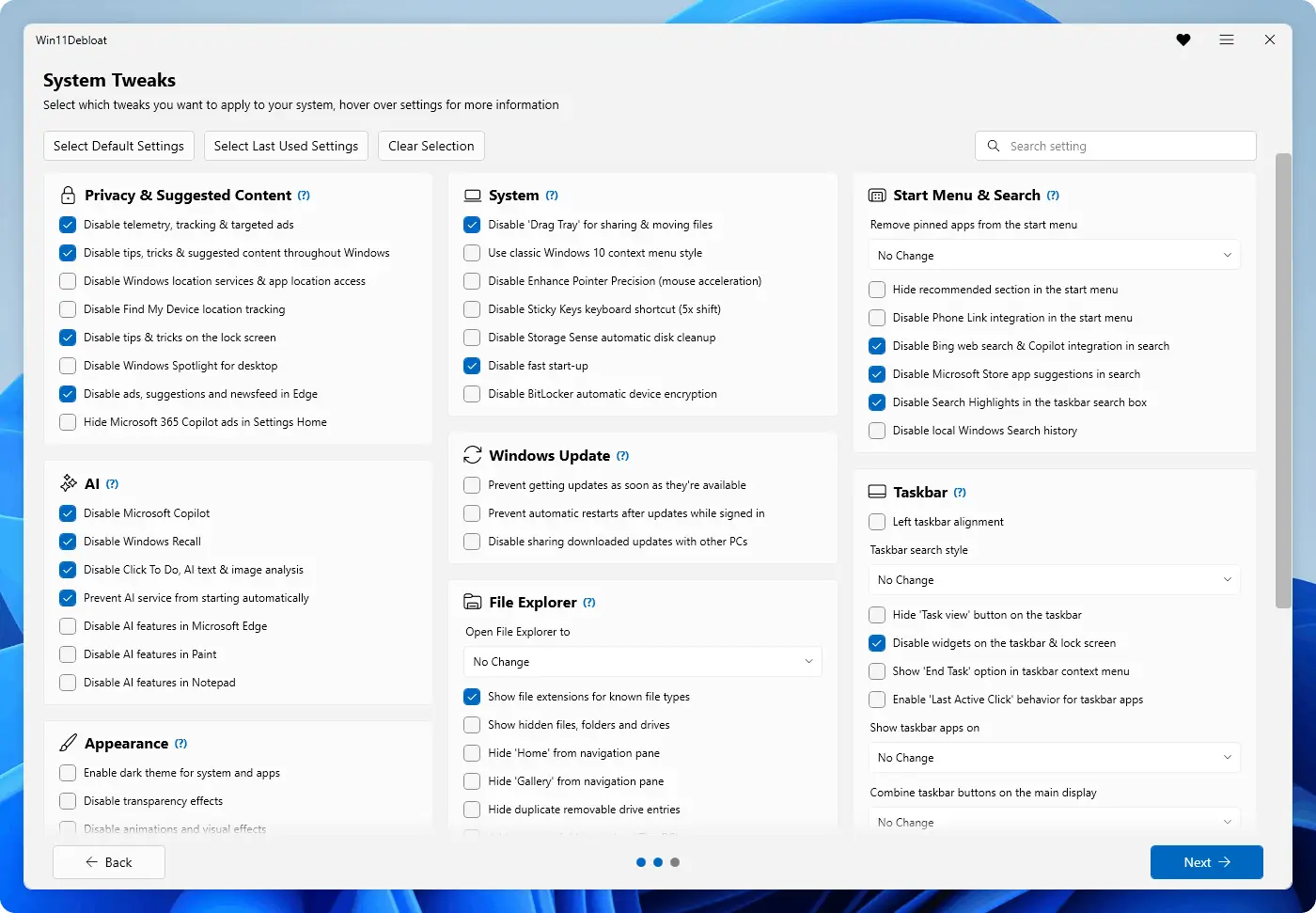
New version blocks automatic driver companion apps and fixes Sysprep behavior
Raphire released this update to the popular PowerShell-based debloating script on July 11, 2026. The tool targets Windows 11 systems and aims to strip out unnecessary background processes and pre-installed applications. The tool functions as an automation utility for users seeking to streamline their operating environment without requiring manual configuration. The script remains an unofficial solution for managing system resources.
The latest version adds a feature to prevent Windows Update from automatically installing hardware companion applications. The feature specifically targets the frequent occurrence of driver updates automatically installing companion applications. The update also includes a new reboot warning that appears when undoing features that require a restart. A new warning system alerts users when a feature reversal requires a system restart, preventing unintended reboots.
Win11Debloat now refuses to run under PowerShell 7, displaying a clear message to users who attempt this. The script now explicitly refuses to run under PowerShell 7 to maintain compatibility with its intended execution environment. The update also fixes an issue where File Explorer would restart when a system is running in Sysprep mode. Additionally, users can now disable Windows Notifications entirely through the new feature set.
The software is available globally as of July 11, 2026. The latest version is available for download through the project's official distribution channels. The release offers a method for maintaining a streamlined Windows 11 installation by reducing automatic third-party software additions.
Discussion
0 comments
Log in to join the thread with a thoughtful take, question, or correction.