
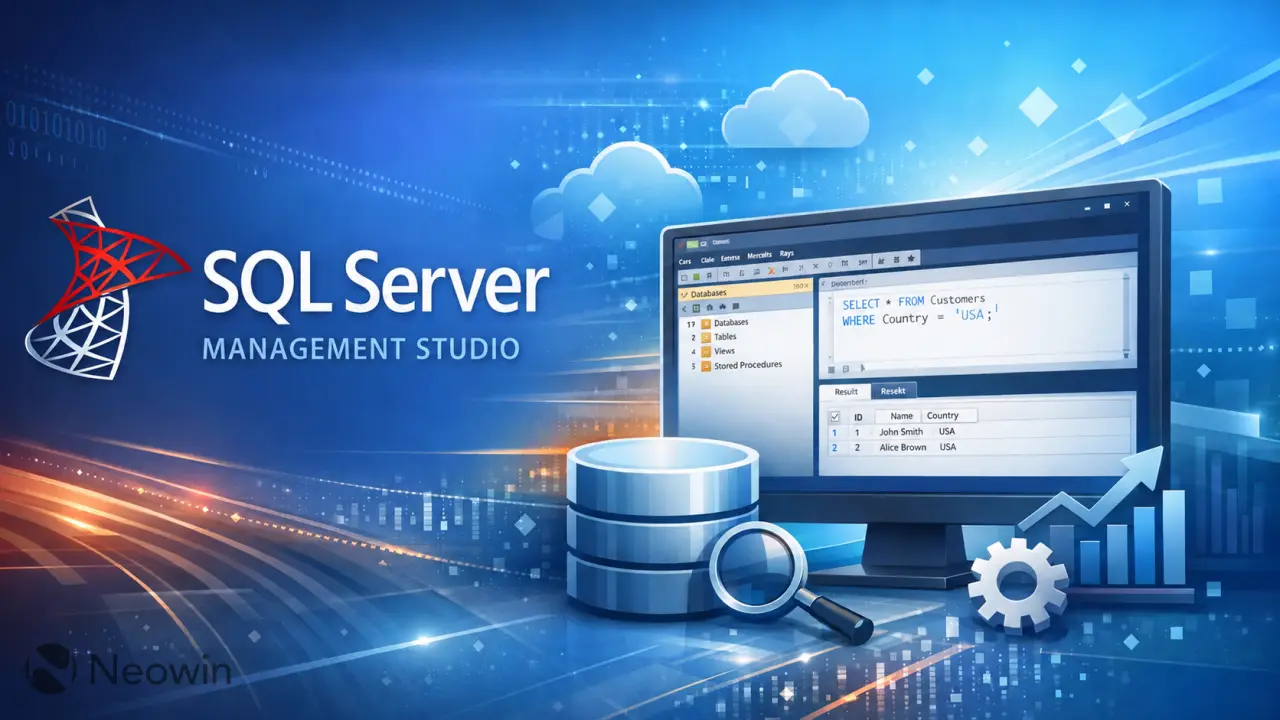
Microsoft released SQL Server Management Studio version 22.7.0 with a focus on improving user workflow and AI integration. The update introduces several new features designed to streamline database management tasks for developers and administrators.
New release streamlines database management with AI workflow automation and code formatting tools
The latest release adds a native What's New page that highlights top features and bug fixes. This screen appears automatically each time users update SSMS and remains visible until they dismiss it manually. Users will not see the same page again until the next major release arrives.
A key addition is built-in T-SQL formatting accessible through a right-click context menu in the query editor. The new Format SQL option allows developers to customize code layout with features like automatic semicolon placement and clause splitting across multiple lines. Microsoft currently offers this capability as a preview feature for testing purposes.
The update also introduces Agent Mode, which enables an AI model to execute complex workflows automatically on behalf of the user. This mode operates in read-only configuration by default to prevent unintended data modifications. Additionally, users can now configure GitHub Copilot execution context per database using a CONSTITUTION.md file to define specific user details for the agentic executor.
Microsoft continues to offer SQL Server Management Studio at no cost, with no new pricing adjustments or geographic limitations noted in the update documentation. The company continues to provide regular updates through its standard distribution channels for Windows users.

Discussion
0 comments
Log in to join the thread with a thoughtful take, question, or correction.