
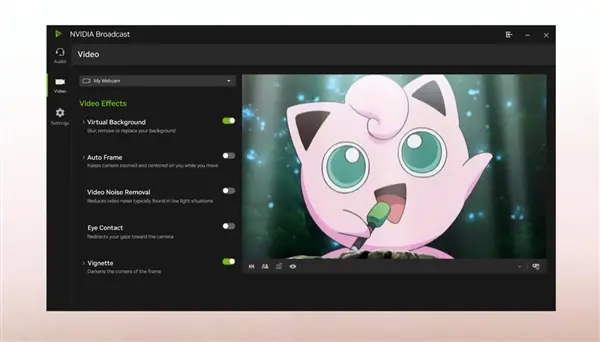
NVIDIA released version 2.2.0 of the Broadcast software suite, expanding access to its Studio Voice AI voice enhancement tool. The update moves the feature out of beta and improves audio quality for a wider range of graphics cards. Users with older hardware can now run the same noise reduction and voice processing features that previously required top-tier components.
Software update brings AI voice enhancement and bug fixes to older graphics cards
NVIDIA Broadcast is available for Windows computers using NVIDIA graphics cards. The Studio Voice feature cleans up audio by filtering out background noise and echoes from microphone inputs during calls or broadcasts. The software relies on dedicated tensor cores inside the graphics card to handle real-time audio processing without impacting system performance.
NVIDIA expanded the hardware requirement for Studio Voice from RTX 4080 and higher models down to desktop GPUs starting with the RTX 3060. The update expands support for Studio Voice to include desktop GPUs starting from the RTX 3060, allowing older models to use the tool. The update also improves stability for audio device detection, which reduces debugging issues when switching between microphones or headsets during live broadcasts.
The software adds keyboard shortcuts and Elgato Stream Deck integration to toggle AI effects directly. Users can now activate noise suppression or voice enhancement without opening the Broadcast application window. A fix addresses an issue where Chromium-based applications mistakenly identified the Broadcast virtual camera as a 30 FPS device.
This release coincides with wider driver updates that introduce additional AI capabilities for GeForce graphics cards. Previous versions of Broadcast restricted Studio Voice to high-end cards due to computational demands. The software now makes advanced noise reduction accessible to users with older graphics hardware.


Discussion
0 comments
Log in to join the thread with a thoughtful take, question, or correction.