
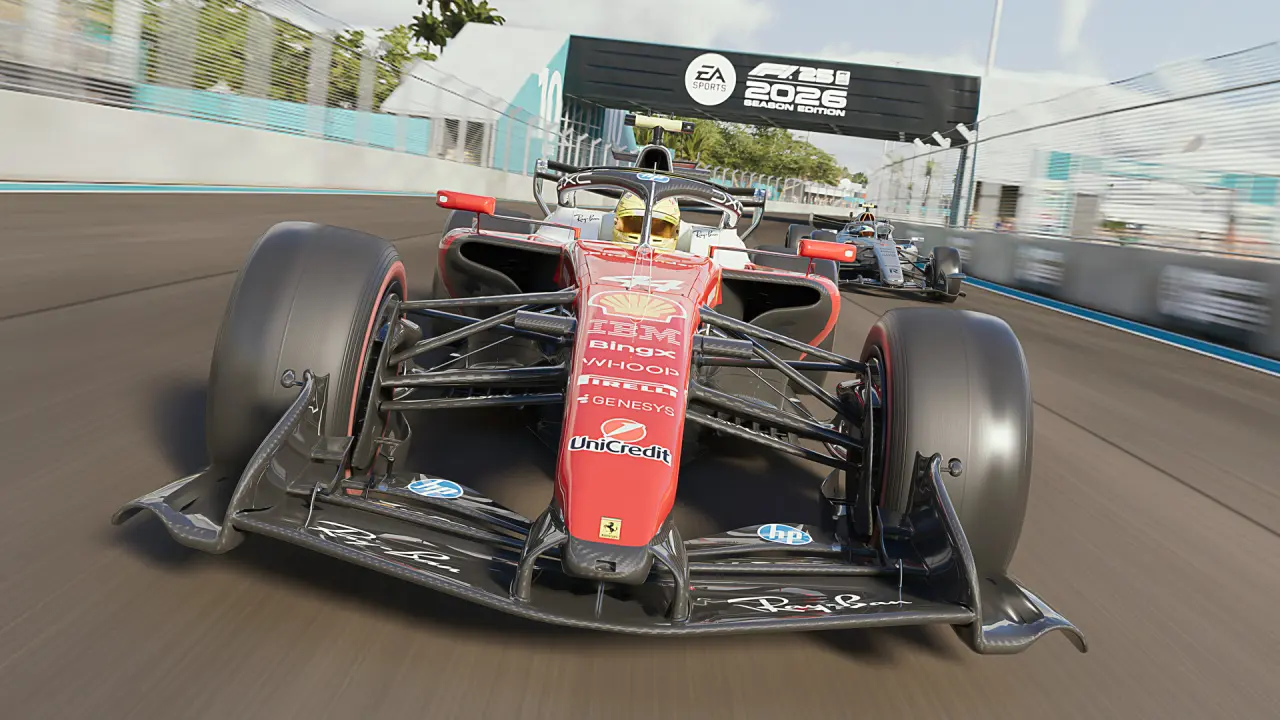
AMD has released Radeon Software driver version 26.6.1, a routine update for its graphics card lineup that adds support for upcoming game content and resolves several stability issues. The patch targets users of AMD's latest hardware while also servicing older generations still in active use.
Routine update targets RX 9070 GRE, RX 9000 series, and legacy hardware with new game support and stability patches.
The software update applies to the entire Radeon product stack, including the recent RX 9070 GRE and RX 9000 series cards alongside legacy RX 6000 and RX 7000 models. The update maintains consistent performance and stability for users on older and newer Radeon graphics cards.
Key additions include official support for F1 25: 2026 Season Pack and World of Tanks: HEAT, allowing players to access new content immediately upon release. AMD also resolved intermittent crashes in Subnautica 2 and Marvel Rivals specifically on RX 9000 series hardware, addressing stability concerns that affected the latest generation.
Secondary fixes target artifact rendering issues in Enshrouded for RX 6000 series users and patch a bug where Zero RPM fan mode would incorrectly re-enable after monitor sleep cycles on RX 9000 cards. The changes address artifact issues in Enshrouded on RX 6000 series cards and fix crashes in Subnautica 2 and Marvel Rivals on RX 9000 series models.
A known issue persists with Battlefield 6, which may experience crashes or timeout errors when running on Ryzen AI 9 HX 370 processors paired with compatible Radeon GPUs. A known issue remains where Battlefield 6 may crash or timeout on systems with Ryzen AI 9 HX 370 processors.
Discussion
0 comments
Log in to join the thread with a thoughtful take, question, or correction.