
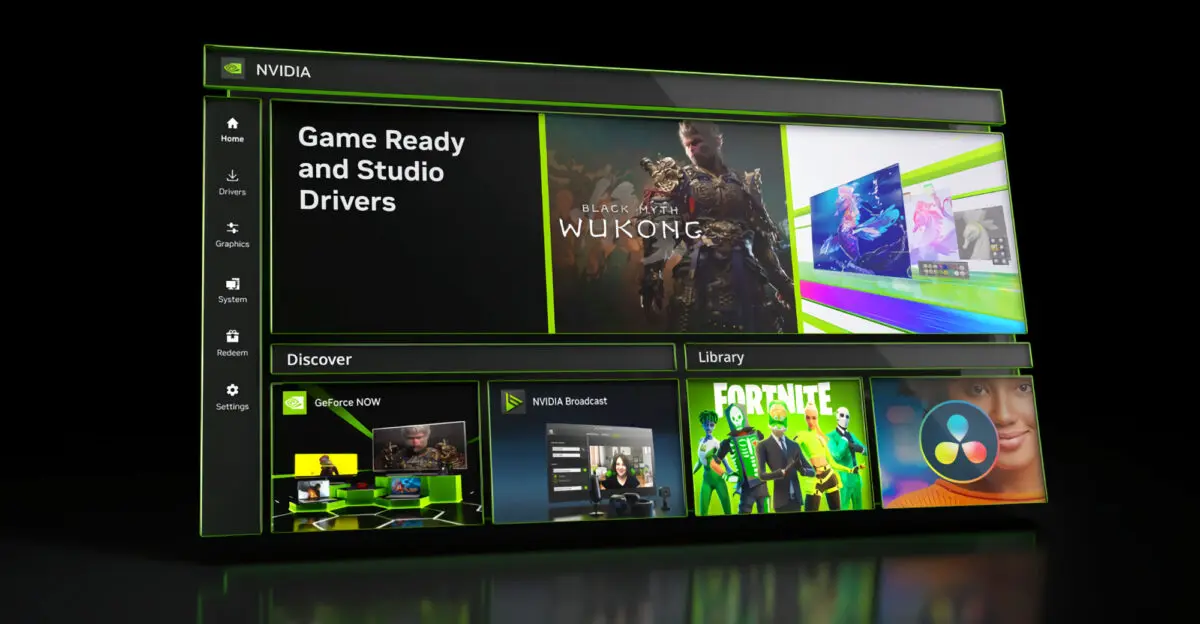
NVIDIA has released a beta update to its NVIDIA App that significantly expands ShadowPlay recording capabilities. The most notable change is support for capturing gameplay footage at 4K resolution and up to 240 frames per second on compatible graphics cards. The update enables GeForce RTX 50 and RTX 40 Series graphics cards to record at up to 4K resolution and 240 FPS using dual NVENC encoders, while single encoder models support up to 1440p at the same frame rate.
Beta release enables high-frame-rate gameplay capture on compatible graphics cards
The update applies to GeForce RTX 50 Series and RTX 40 Series GPUs that include dual NVENC encoders. These specific hardware configurations enable the higher resolution and frame rate combination. Users with older single-encoder cards can still access enhanced recording settings, though they are limited to 1440p at 240 FPS.
Accessing the new features requires navigating the NVIDIA overlay interface. Pressing Alt+Z opens the menu where users select Settings followed by Video Capture. Users can configure these recording settings through the NVIDIA overlay by pressing Alt+Z, navigating to Settings, and selecting Video Capture.
The update also introduces improvements for multi-monitor gaming setups using NVIDIA Surround technology. Users can now configure three-display environments to keep the taskbar on a single screen while maximizing application windows across all connected monitors. The update introduces new options for three-monitor NVIDIA Surround setups, allowing users to keep the taskbar on a single display while maximizing windows across all screens.
NVIDIA has made this beta version available through its official distribution channel immediately upon release. Enabling access requires navigating to Settings, selecting About, and opting into the beta program within the NVIDIA App interface. The update is currently available through the beta channel, which can be enabled in Settings under the About section by selecting Opt in.
Discussion
0 comments
Log in to join the thread with a thoughtful take, question, or correction.